Location: GUIs >
Apple >
At Ease for Workgroups 4.0
At Ease for Workgroups 4
These are some screen shots of At Ease for Workgroups 4 that used to
be downloadable from Apple's web site. These were part of some Apple training
material about the Apple Network Administrator Toolkit, of which At Ease
for Workgroups appears to be a part.
Judging from the screen shots At Ease for Workgroups 4 was intended
for MacOS 7.x or 8.x.
An excerpt from the training material:
"At Ease for Workgroups 4.0 gives you an easy way to set up users in
workgroups that have the same interface and the same privileges. These
are for users who perform similar tasks or have similar needs. At Ease
allows you to provide a workgroup with needed information only and to have
it given in a way that's appropriate for the users' computer skills.
Since At Ease is server based, users can log on the At Ease sever from
any workstation that has the At Ease workstation software installed and
access the workgroup they belong to."
At first glance, At Ease 4 for Workgroups looks much like the previous
version of At Ease but quite a bit has actually changed. This version has
numerous features that enable client configuration, network access, and
placing restrictions on how the client computer can be used.
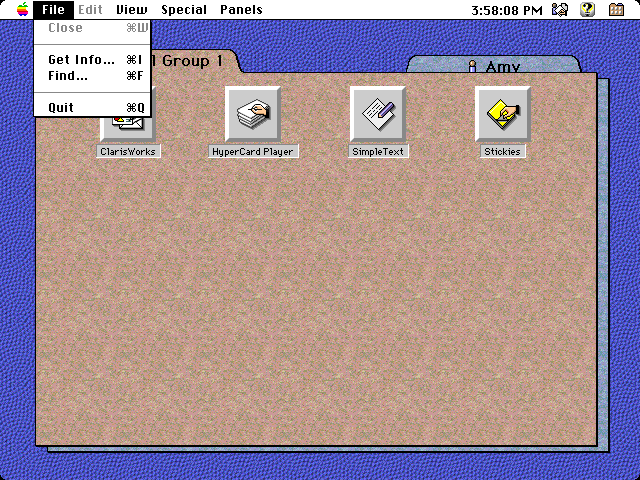
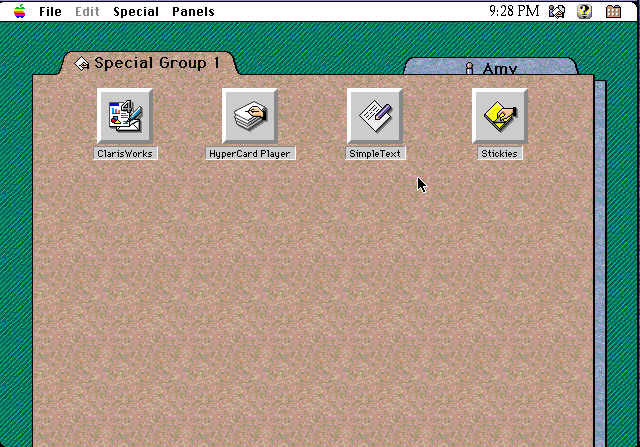
Permissions to applications can be set centrally. This screen
shot shows the same At Ease environment being accessed from a different
computer.
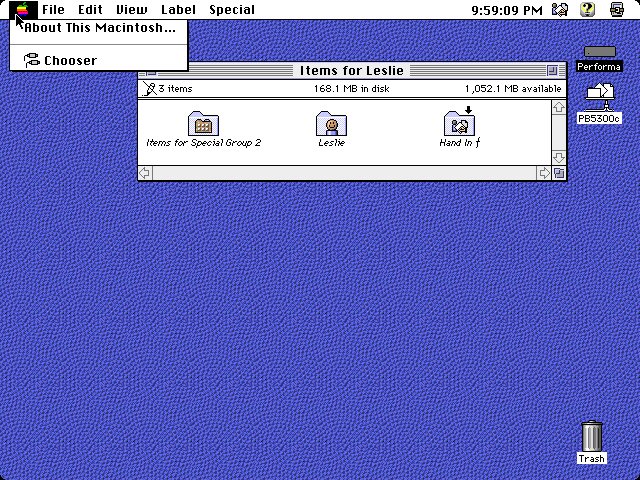
Apparently this version has more control over the finder. This screen
shot shows a "restricted" finder where apple menu items are not available.
Presumably only designated files or folders are visible through the restricted
finder. This would let the users manage their files easily but still not
give them access to the entire computer.
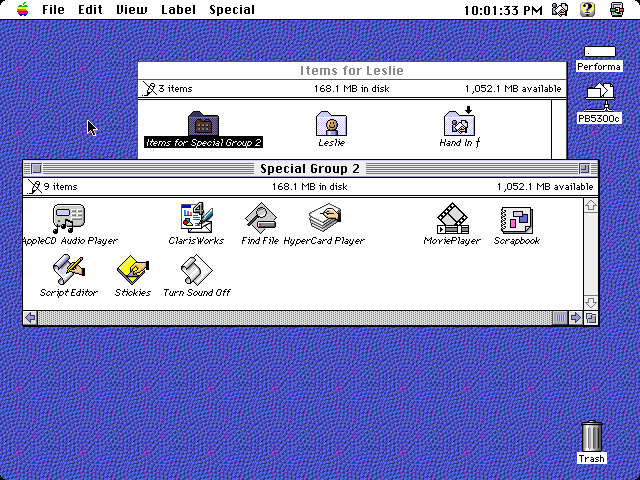
This screen shot shows the Special Group icons as aliases in the finder.
Users can send files to other workgroup members by dropping them in the
shared folder.
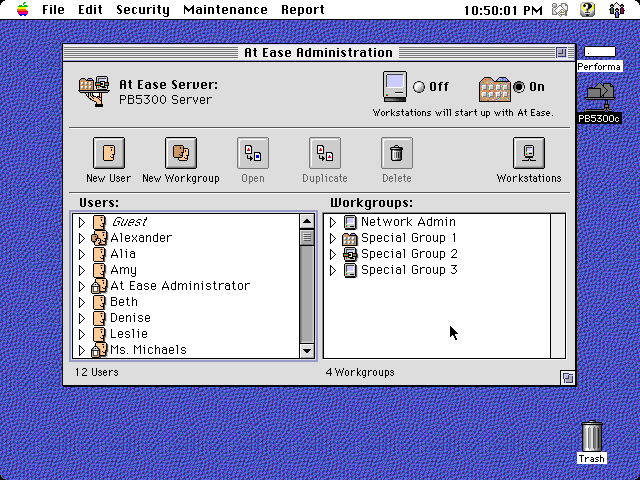
This is the enhanced at ease administrator. Not only are there individual
users but also groups.
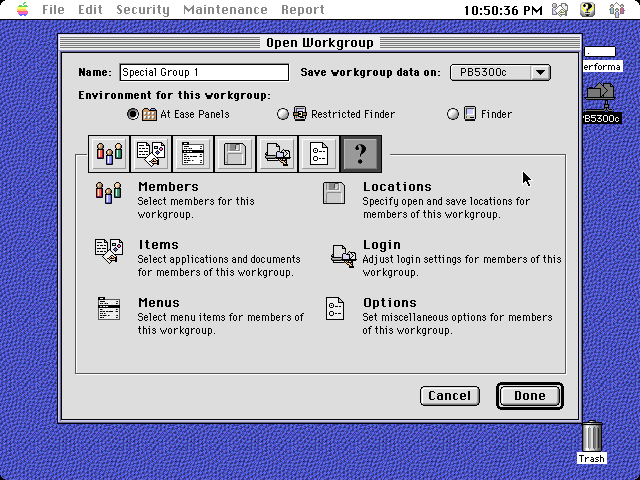
Permissions and options are set on a per-workgroup basis.
At Ease 4 for Workgroups can log activity on the systems. Actions that
can be logged include applications used, security "risks", user logins,
and printer usage.
This screen shot shows an example of the log.
At ease can also monitor disk usage and it can set quotas on disk use.
.
At Ease can control what networked printers are automatically available
when the user logs in.
It can also automatically mount specified file shares when a user logs
in.
Here is an interesting function: It can restrict the client computers
to allow the users to use only certain CD-ROMs at the local computer. This
was back when hard drives were often smaller in storage space than a CD-ROM
so it would not have been feasible to load a CD on the server hard drive
or, due to speed, share it on a server CD drive.
Finally, more restriction settings. And there are even more restrictions
on the per-workgorup level. Again, At Ease was used to manage groups of
Macintosh computers, often in public places or corporate environments,
where it was undesirable for individual users to be able to make alterations
to the system or have full access to all features of the computers.
|